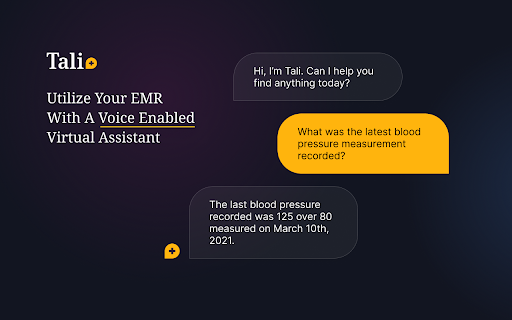
Seamlessly access databases and dictate medical notes
Monthly Visitors:
Added on:
2 years ago
Social & Email:
—
Tali AI Product Information
What is Tali Chrome Extension?
A Chrome extension for dictating medical notes and accessing medical databases within Electronic Health Records (EHR) software.
How to use Tali Chrome Extension?
1. Click ‘Add to Chrome’ to install the extension. 2. Log in with Google through the widget. 3. Select text area, click microphone icon, and start dictating. 4. Enable microphone access for Tali to enter notes into EMR.
How do I install Tali Chrome Extension?
Click ‘Add to Chrome’ and follow the installation prompts.