
Arlo – AI Voice Alarm
Added on:
Social & Email:
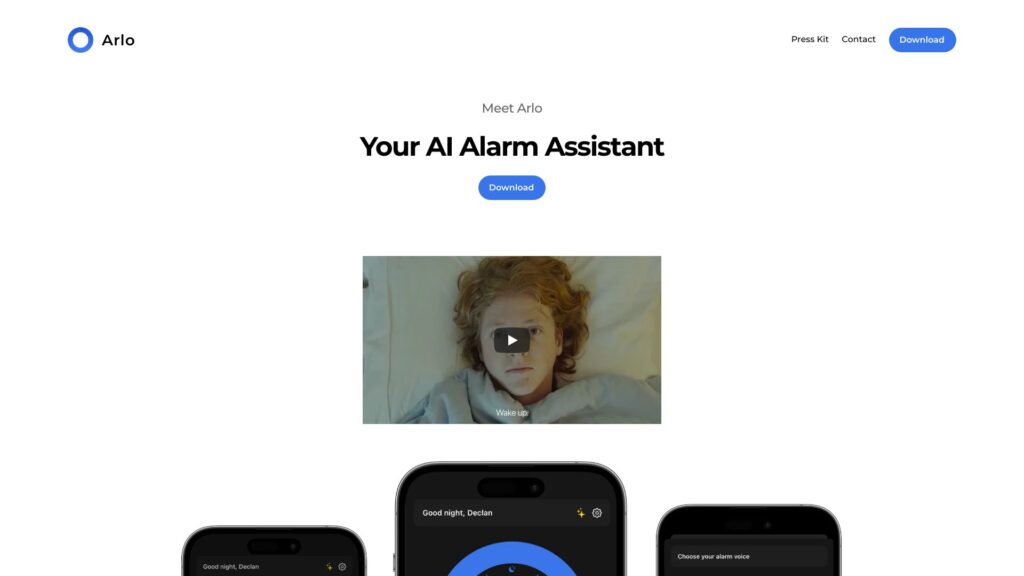
Arlo – AI Voice Alarm Product Information
What is Arlo – Talk with your documents?
Arlo is a platform that allows you to have interactive conversations and discussions related to your PDF documents. It enables users to upload PDF files, select them for chat, and easily communicate with others in real-time about the content of the PDF.
How to use Arlo – Talk with your documents?
1. Sign in with your Google account to access Arlo.2. Upload a PDF file using the upload button.3. From the sidebar, select the uploaded PDF you want to discuss.4. Start a chat conversation related to the PDF content with other users.5. Share thoughts, comments, and insights about the document in real-time.
How do I sign in?
You can sign in to Arlo using your Google account credentials.
How do I upload a PDF file?
Click on the upload button and select the PDF file you want to upload.
Can I discuss multiple PDFs simultaneously?
No, only one PDF can be selected for chat at a time.
How can I provide feedback about the platform?
You can email your feedback to [email protected].