
Ctrl
Added on:
Social & Email:
Ctrl Product Information
What is Ctrl?
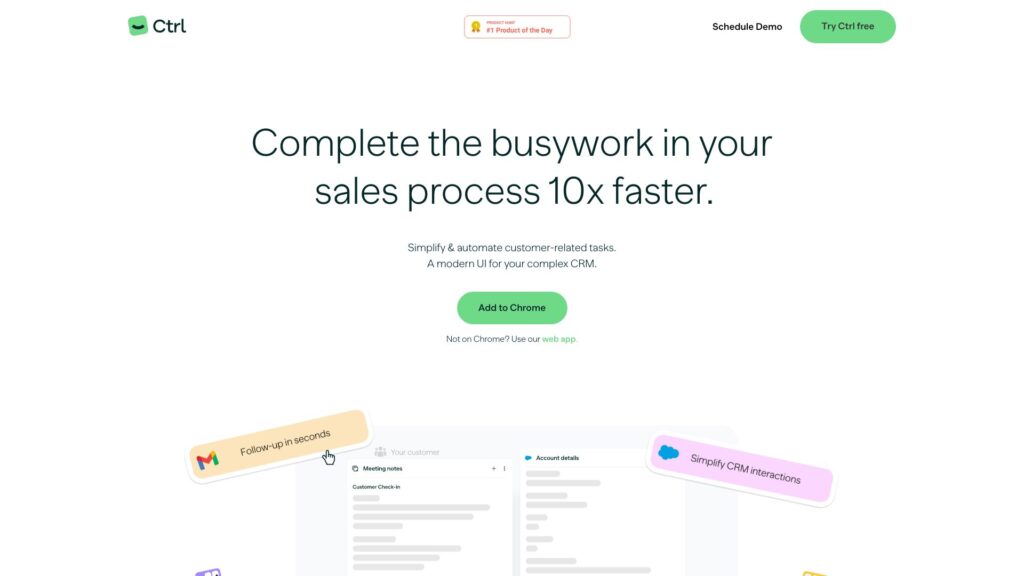
Ctrl is a customer relationship management (CRM) tool that simplifies and automates customer-related tasks, allowing users to save time and focus on high-value work. It offers a modern user interface and integrates with various apps, making it easier to complete sales processes efficiently.
How to use Ctrl?
To use Ctrl, follow these steps:
1. Sign up using your Google or Salesforce login.
2. Connect your desired apps by dragging and dropping them into Ctrl.
3. Customize the order of cards and use templates to see the most important information.
4. Keep Ctrl open alongside your workflow to make updates and changes across applications.
5. Benefit from dynamic suggestions to stay up to date and work smarter.
Can Ctrl be used with any CRM platform?
Ctrl integrates with various apps and CRM platforms, making it easy to work with your preferred CRM system.
Is Ctrl available as a web app?
Yes, Ctrl can be accessed as a web app, so you can use it even if you are not on Chrome.
How long does it take to set up Ctrl?
Setting up Ctrl only takes approximately 2 minutes. Simply sign up using your Google or Salesforce login and connect your desired apps.
Which apps does Ctrl integrate with?
Ctrl works with a wide range of apps, allowing you to work in a unified engagement layer and stay focused without switching between tabs.
How does Ctrl help improve productivity?
Ctrl simplifies and automates customer-related tasks, reducing manual work and allowing users to focus on high-value work. It also offers AI-powered features for workflow automation, note enhancement, and generating personalized follow-up emails, further boosting productivity.