
Text to Google Calendar
Added on:
Social & Email:
Text to Google Calendar Product Information
What is ‘Text to Google Calendar’?
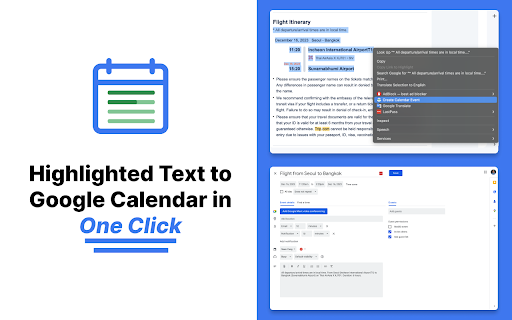
‘Text to Google Calendar’ is a tool that converts highlighted text into Google Calendar events with ease. It simplifies the process of creating events by eliminating manual entry tasks like copying and pasting. It also offers features to create multiple and recurring events effortlessly.
How to use ‘Text to Google Calendar’?
Install ‘Text to Google Calendar’ extension on Chrome, highlight text containing event details, right-click and select ‘Add to Google Calendar’. Review and adjust event details before saving to your calendar.
Can I customize event details before adding to Google Calendar?
Yes, you can review and adjust event information such as date, time, location, and recurrence before saving to your calendar.